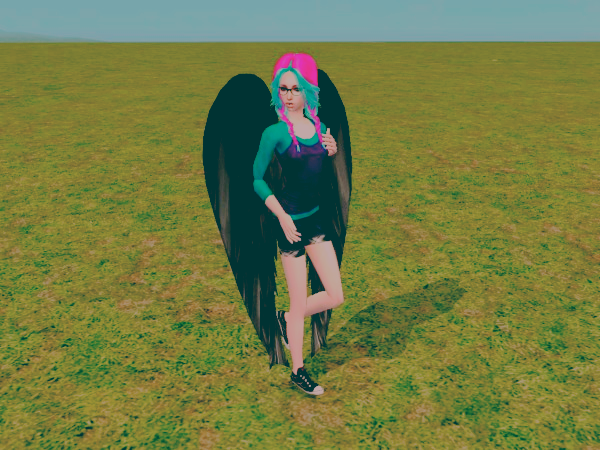
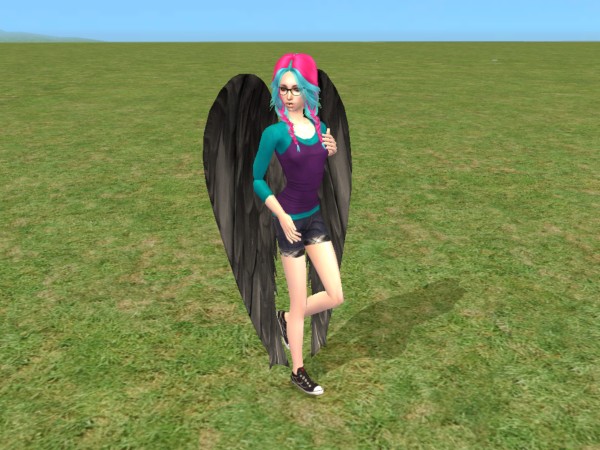
I will be using this picture of my model Alec.
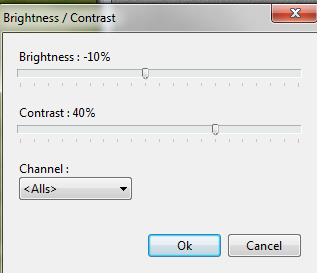
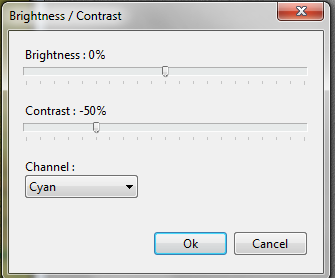
First, go to adjust > brightness/contrast. Set your settings like so:
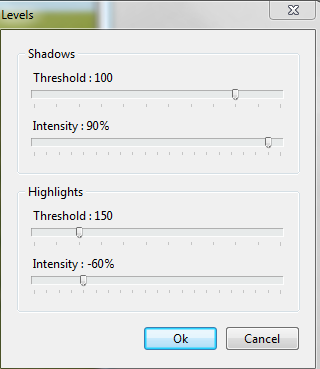
Now, go to adjust > levels. Settings like mine:
Depending on the picture, most of the time if you continue it will turn out like crap. But you can always try to go on and if you don't like it press CTRL+Z to undo, or go to edit and undo the last few steps.
Go to Hue/Saturation and settings like this:

Now go to adjust > brightness/contrast once more. Make your settings like mine:
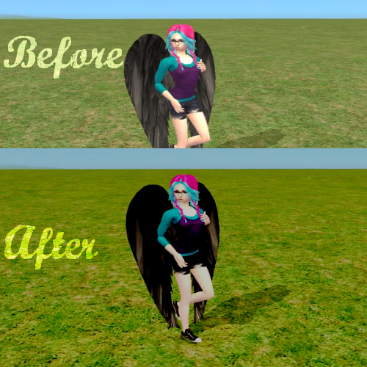
Using the picture I had, it turned out like this after all the steps. The picture at the top was stopped after step 2.